GemRaid - Free spins, coins, and gift codes that actually work.GemRaid - Free spins, coins, and gift codes that actually work.GemRaid - Free spins, coins, and gift codes that actually work.GemRaid - Free spins, coins, and gift codes that actually work.
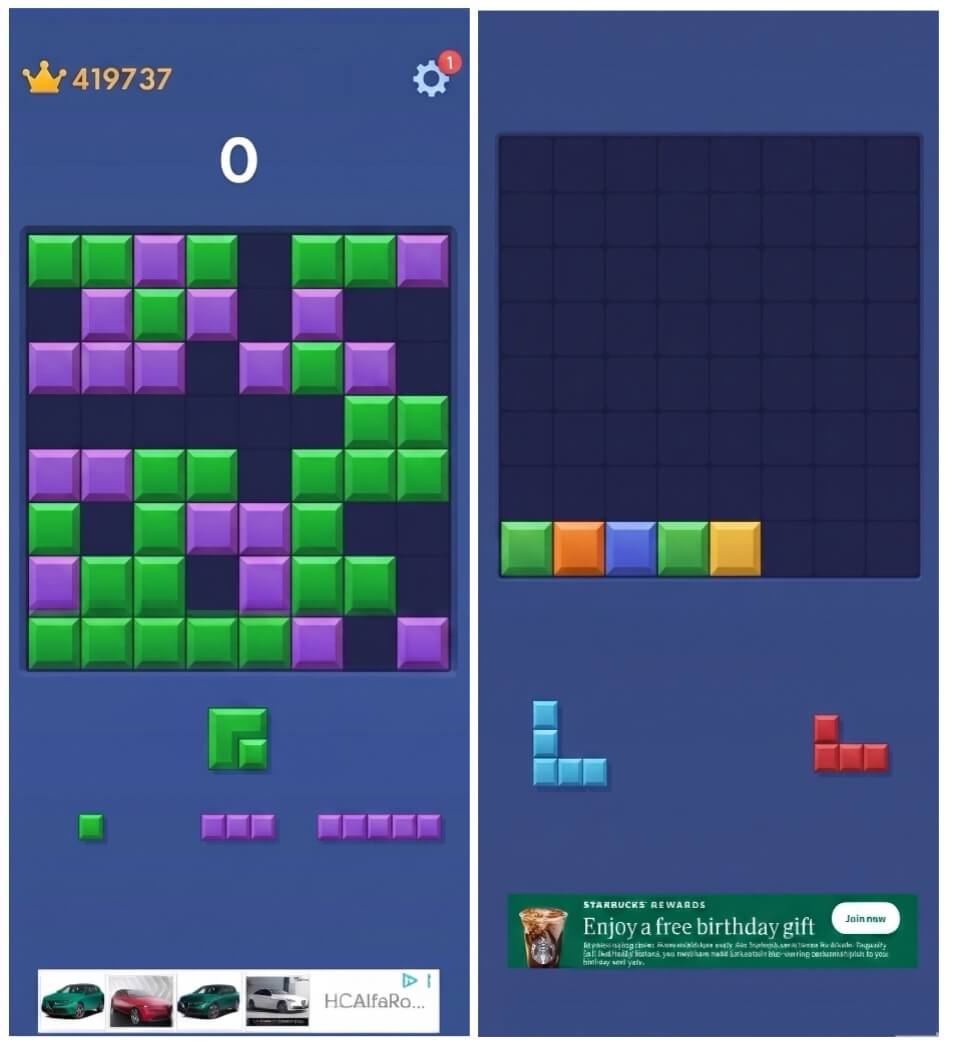
Block Blast looks like a kids' game. Colorful blocks, simple puzzle mechanics, no violence. So why does Apple slap it with a 17+ rating?
Short answer: The ads.
The game itself is fine. The problem is the uncontrolled advertising network running in the background.
What's Really Happening
Block Blast is free because it makes money from ads. Every time you lose a level, the app requests an ad from Google AdMob. AdMob runs an instant auction—advertisers bid for your screen, highest bidder wins.
Written by Henry Emmanuel
Hey, I'm Henry — a die-hard casual gamer who treats every spin, roll, and raid like it matters — because it does. I live for the 'just one more turn' rush and believe there's real strategy behind every mobile game worth playing.
You might also like
More guides and updates to help you stay ahead.
The developer (Hungry Studio) doesn't pick these ads. They're automatic. And the highest-paying ads are often:
Casino and gambling apps (slot machines, poker)
Dating and "meet-up" apps (suggestive content, partial nudity)
Mature games (violent or sexual themes)
Links that take you outside the app (potentially unsafe websites)
Digital safety experts have called it a "dumpster fire of inappropriate content." That's why Apple rates it 17+.
Why Android Shows It as "Everyone" (PEGI 3)
Google Play rates the same app as safe for 3-year-olds. Why?
Apple's approach: Assumes worst-case scenario. If the ad network can serve mature content, the app gets a mature rating.
Google's approach: Trusts the ad network to filter content automatically (which doesn't always work).
Apple's rating looks harsh, but it's more honest about the risk.
If a kid plays on a parent's phone, the ad network has no way to know. It treats them like an adult, serves mature content, and builds a behavioral profile.